Survey Management: Mobile-Friendly Surveys Completed in Moments
Start in minutes with ready-made templates; deliver the right experience to every customer with conditional logic, multilingual setup and branded design.

- 12 Question Types
- Measure every experience with star, NPS, emoji, scale, choice, text and contact information questions.
- Multilingual Surveys
- The survey opens in the language of the customer's device; the customer can switch languages with a single tap.
- Ready-Made Templates
- Get started quickly with 10 templates such as store visit, after-sales service, delivery and call center.
Survey builder
Design, Editing and Preview on One Screen
The question list, editor and live preview work side by side. Changes are saved automatically and do not reach customers until you publish.
- Drag-and-drop question ordering
- Mobile and desktop preview
- Version management, with responses stored per version
- Live, draft and paused statuses

Conditional logic
Questions That Match Each Customer's Experience
The visibility, requirement and wording of questions are determined by previous answers. The survey stays short while the data you collect becomes deeper.
- Show, hide, require and skip actions
- Question text that changes based on answers
- Flexible condition definitions
- Satisfaction (CSAT), recommendation (NPS), effort (CES) and root cause tags

Branded design
Part of Your Brand
With your logo, brand color and three theme options, the survey blends with your corporate identity. Display format and flow settings adapt to your needs.
- Light, Night (dark) and Vivid themes
- One question per screen or all questions on a single page
- Welcome and thank-you screens, coupon code
- Inviting customers to leave a Google review

Customer view
Fast and Smooth on Mobile
The survey opens in the browser with no sign-up or app required. Responses are not lost even on a weak connection.
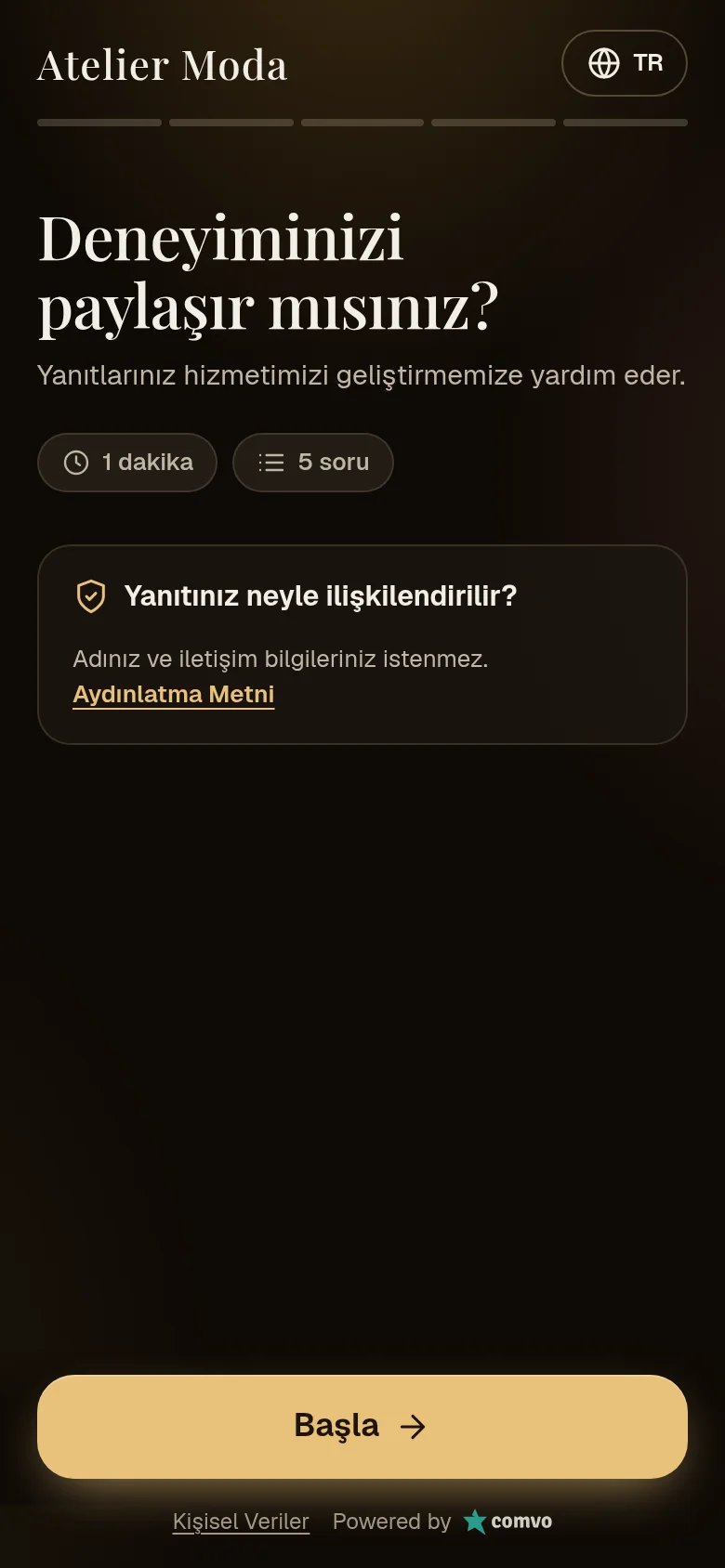
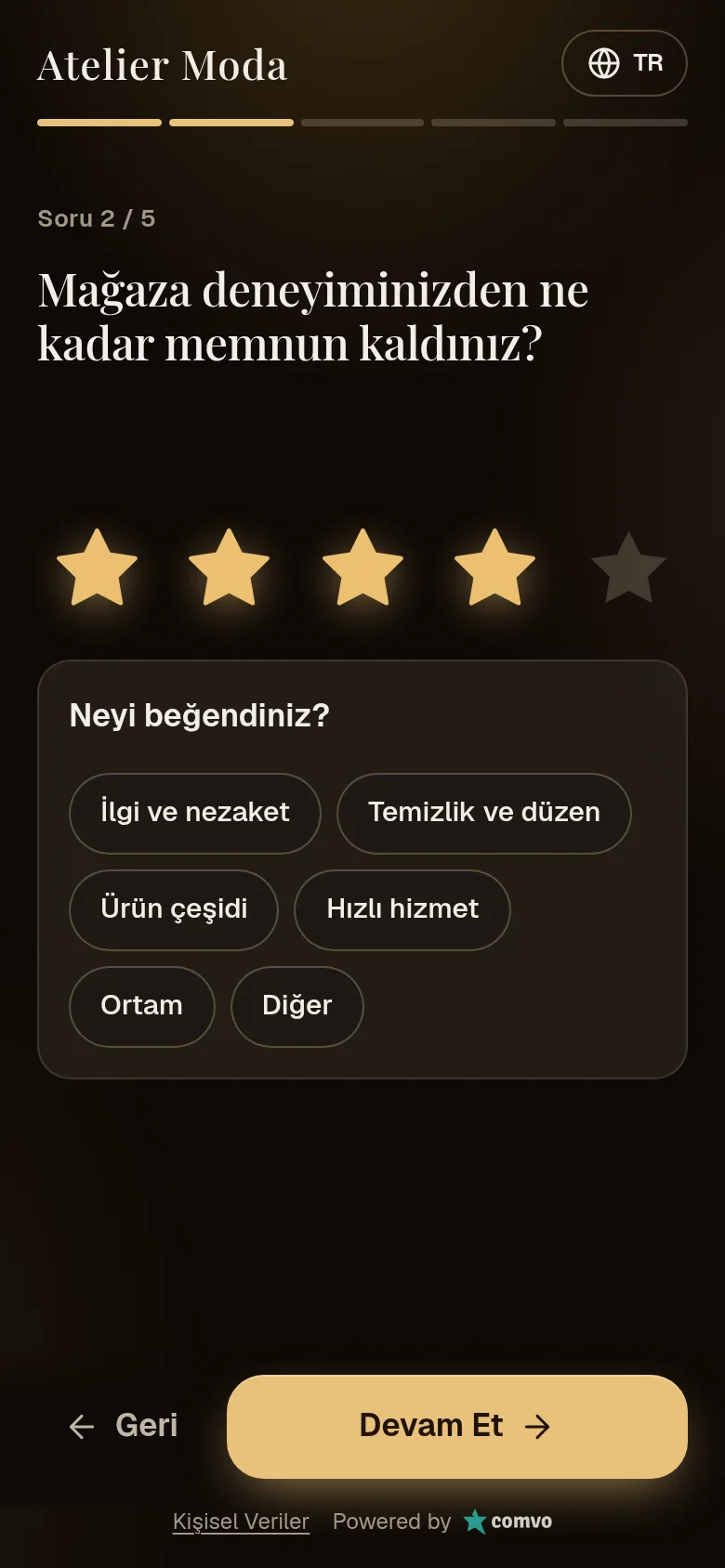
Capabilities
- Star, scale (3, 5, 7), NPS (0-10) and emoji questions
- Single choice, multiple choice, dropdown, yes/no
- Free text and contact information fields
- Unit selection; automatic for responses via QR
- Information text between questions
- Anonymous response option
- Repeat response limit per device
- Saving partially completed responses
- Response preserved during connection loss
Frequently Asked Questions
Does the customer need to install an app?
No. The survey opens in the browser, requires no sign-up and also works on weak connections.
What happens when a live survey is changed?
Changes remain in draft until they are published. Publishing creates a new version; earlier responses are stored with their own versions.
Which languages are supported?
Turkish, English, German, Arabic and Russian are available; other languages are added on request. The survey opens in the device language, and the customer can also change the language.
Related guides
- Fundamentals What Is Customer Experience Management (CXM)? Customer experience management (CXM) means measuring every touchpoint, resolving issues and improving the experience. Scope, components and CRM differences.
- Measurement What Is NPS and How Is It Calculated? Net Promoter Score (NPS) measures how likely customers are to recommend you. How to ask the question, calculate the score and interpret results, with an example.
- Measurement What Is CSAT and How Is It Measured? CSAT measures how satisfied customers are with a specific experience. Learn the question format, scale choice, two calculation methods and where to use it.